Carrying Proof of License on Your Phone
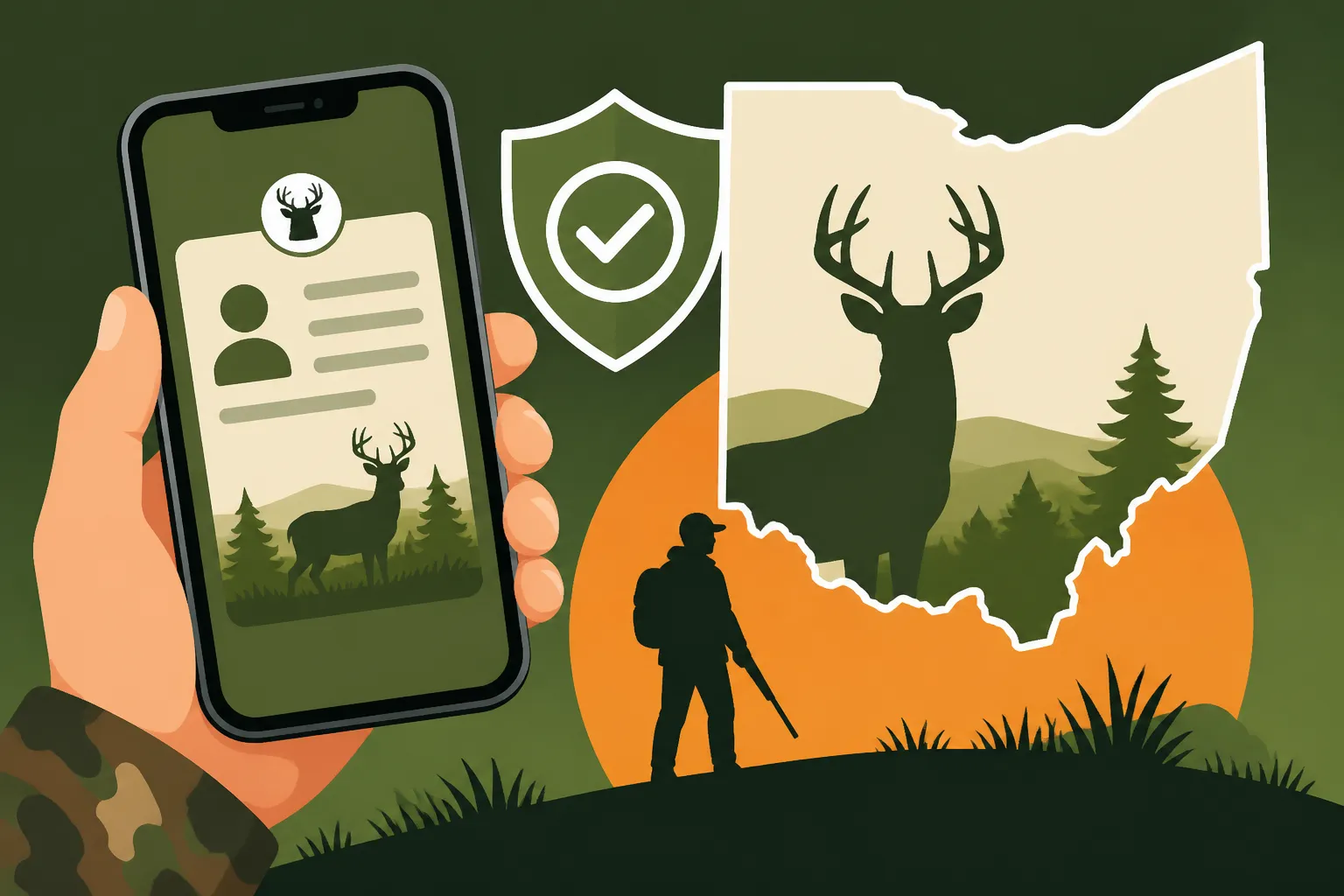
We've all been there: that moment of panic when you reach for your wallet and realize your hunting license isn't there, or it's turned into a soggy mess after an unexpected downpour. For years, the physical paper license was a source of constant worry for Ohio hunters. But thankfully, the Ohio Department of Natural Resources (ODNR) has embraced technology, allowing hunters the convenience and security of carrying their proof of license right on their phones. This guide will walk you through everything you need to know to confidently go afield with your digital license.
The Evolution of Ohio Hunting Licenses: From Paper to Pixels
For decades, the standard was a flimsy piece of paper you hoped would survive a season in your wallet, exposed to sweat, rain, and the general wear and tear of the outdoors. The shift to digital proof is a significant relief for many.
The Old Way: Paper, Lamination, and Worry
Think back to the days of buying your annual Ohio hunting license and deer permits. You'd get that little paper printout from a license vendor, often a bait shop or sporting goods store. The immediate concern was always, "How do I protect this thing?" Many of us would rush home, fire up the laminator, or carefully place it in a Ziploc bag, hoping it would last the entire season, from the mild days of early archery to the brutal cold of late-season muzzleloader hunts.
The frustration was real. A license torn in half meant a trip back to the vendor for a reprint. A deer tag, meant to be attached to your harvested animal, could become illegible from moisture or get separated from the carcass during a strenuous drag out of the woods. It wasn't just about the license itself; it was about the peace of mind. Every time a game warden might be in the area, you'd find yourself patting pockets, just to make sure that crucial piece of paper was still intact and present. Hunters had to remember to carry proof of their general Ohio Hunting Licenses and What They Cost, along with any specific permits like deer or turkey tags, and even things like their Ohio Migratory Bird Certification. It was a lot to keep track of, all on paper.
Embracing Digital: Ohio's Move to Mobile Proof
The Ohio Department of Natural Resources (ODNR) recognized these challenges and the growing reliance on smartphones in everyday life. In recent years, they've made a concerted effort to modernize the system, allowing for digital proof of purchase for most licenses and permits. This isn't just about convenience; it's about accessibility and efficiency for both hunters and wildlife officers. The digital option means you no longer have to worry about a physical card or paper printout getting damaged or lost.
This move aligns with the overall trend of moving towards a more streamlined, user-friendly experience for outdoor enthusiasts. It makes it easier for hunters, whether they're new to the sport and going through Ohio Hunter Education Requirements or seasoned veterans, to manage their legal documents. The ability to access your license instantly through your phone means less stress and more focus on what you're actually out there to do – hunt.
How to Legally Carry Your Ohio Hunting License on Your Phone
Now that Ohio embraces digital proof, understanding how to access and display it correctly is paramount. It’s not just about having your phone; it’s about having the right information readily available.
The Official Wild Ohio Customer Portal and App
The primary and most reliable way to carry your Ohio hunting license digitally is through the official Wild Ohio Customer Portal. This is the same portal where you would go to purchase your licenses and permits, whether you're looking at Ohio Resident Hunting License Options or Ohio Nonresident Hunting License Options.
Here’s a step-by-step guide:
- Purchase Your License Online: Always start by purchasing your license, deer permits, or turkey permits directly through the official Wild Ohio Customer Portal. This ensures your purchase is properly recorded in the state's system. You can learn more about Buying an Ohio License on Wild Ohio through their dedicated online system.
- Log In to Your Account: After purchase, log back into your customer account on the Wild Ohio portal via a web browser on your phone or computer.
- Access Your Purchases: Navigate to the section of your account that displays your current licenses and permits. This is usually clearly labeled, often under "My Licenses" or "Transaction History."
- Display or Download: For each valid license or permit, you should see an option to "View" or "Download" a digital copy, often in PDF format. This PDF is your official proof of purchase. Make sure to download or save this PDF to a readily accessible location on your phone. Many hunters simply create a dedicated folder for all their hunting documents.
- Use the HuntFish Ohio App (if applicable): The ODNR also offers the HuntFish Ohio app. While primarily used for things like checking deer after a harvest (see Ohio Deer Checking and Reporting Rules) or Scouting With the Ohio HuntFish App, it can also be a convenient place to display your licenses once they are linked to your account. Always ensure your app is updated to the latest version for the best functionality.
When a game warden requests to see your license, you simply pull up the official digital copy on your phone. It needs to be clear, legible, and show all the necessary information, just as a physical copy would. Having all your documentation clearly laid out, whether it's for your general hunting license or a specific tag, makes the interaction smooth and quick. Many experienced hunters, especially those who rely on advanced tools like the GoHunt app for mapping and planning their trips, find that integrating their digital license seamlessly into their mobile workflow is incredibly efficient.
Beyond the ODNR App: Screenshots and Digital Wallets
While the official PDF from the Wild Ohio portal or the HuntFish Ohio app is the gold standard, what about other methods?
- Screenshots: A simple screenshot of your license can be acceptable, as long as it clearly displays all required information (your name, license number, type of license, and validity dates). However, relying solely on a screenshot can be risky. If the screenshot is blurry, incomplete, or easily confused with something else, it might not be considered adequate proof by a game warden. It's always best practice to have the actual PDF or the app-based display ready. A screenshot serves better as a quick reference rather than your primary legal proof.
- Digital Wallets: Some states have integrated hunting licenses directly into digital wallet apps like Apple Wallet or Google Pay. Currently, Ohio's system doesn't directly link to these platforms in the same way a credit card might. However, you can often "add" a PDF document to these digital wallets or cloud storage services (like Google Drive or Dropbox) where it can be quickly accessed. This can be a smart move, especially if you're concerned about having all your important documents in one easy-to-find spot. Just ensure that the digital wallet doesn't obscure any critical information or make it harder for a game warden to view.
The key across all these methods is accessibility and legibility. The proof must be undeniable, complete, and available immediately upon request. Using a hunting planning and mapping tool like GoHunt alongside your official digital license proof provides a comprehensive mobile solution for today's hunter, keeping everything from your permits to your onX Layers for Ohio Land Status at your fingertips.
Practical Considerations and Best Practices for Digital Licenses in the Field
While carrying your license on your phone offers unparalleled convenience, it also introduces a few new challenges. Being prepared for these can save you a lot of headache and potential legal trouble.
Battery Life and Backup Plans
This is perhaps the biggest concern for any hunter relying on a phone in the field. A dead phone means no access to your digital license, and that could be treated no differently than not having a license at all. Imagine you've been Hunting the Rut in Early November and spent all day checking your hunting app, only for your battery to die just as you harvest a deer and a game warden pulls up. It’s a scenario no one wants to face.
Here’s how to mitigate this risk:
- Charge Fully: Always start your hunting day with a fully charged phone. This might seem obvious, but it's easy to forget if you're rushing out the door for a predawn hunt.
- Portable Power Bank: Invest in a high-quality, durable portable power bank. There are many rugged options available that can withstand the elements and provide multiple charges for your phone. Brands like Anker or Goal Zero make reliable options. Keep it charged and in your pack.
- Car Charger: If you hunt from a vehicle, make sure you have a reliable car charger. A quick charge during a mid-day break can make all the difference.
- Print a Backup: Despite the convenience of digital, don't underestimate the power of a physical backup. Print out a copy of your license and permits and keep them laminated or in a waterproof bag in your pack, vehicle, or a designated hunting jacket pocket. It's a small precaution that can save you a lot of grief. Even if you're exploring Hunting the Nelsonville Ranger District deep in Wayne National Forest, a backup printout is always a good idea where cell service might be spotty.
Weatherproofing and Screen Durability
The Ohio hunting seasons can throw everything at you: pouring rain, sleet, snow, mud, and freezing temperatures. All of these are harsh on electronics.
- Rugged Phone Case: A robust, waterproof, and shockproof phone case is non-negotiable for hunters. Brands like OtterBox or LifeProof offer excellent protection against drops, dust, and water.
- Waterproof Bag/Pouch: Even with a rugged case, an extra layer of protection, like a waterproof phone pouch or dry bag, is a wise investment, especially during waterfowl hunts or rainy deer drives. This keeps your phone safe and dry, ensuring your digital license remains accessible.
- Screen Protectors: Protect your screen from scratches and cracks. A cracked screen can make your license illegible and your phone unusable.
- Cold Weather Performance: Extreme cold can drain phone batteries faster and make touchscreens less responsive. Keep your phone close to your body heat (inside a jacket pocket) when not in use.
Encountering a Game Warden: What to Expect
A game warden's job is to ensure compliance with hunting regulations. When they approach you in the field, they will likely ask to see your license and any relevant permits. This is a routine check, and your cooperation makes the process smooth.
- Be Prepared: Have your phone readily accessible and unlocked to the screen displaying your license. Don't make the warden wait while you scroll through photos or fumble with apps.
- Clear Display: Ensure your phone screen is clean and bright enough for the warden to clearly read all the information. If it's sunny, try to position yourself so they can see the screen without glare.
- Cooperation is Key: Be polite and cooperative. The warden might ask to verify your identity with another form of ID. This is standard procedure.
- Understand Your Rights: While it's crucial to be cooperative, you also have rights. If you have concerns, politely ask questions. However, remember that displaying your valid license is a requirement for Ohio Legal Shooting Hours and participation in the hunt.
Many hunters already use their phones for various tasks in the field, from checking the weather to navigating with tools like GoHunt, which can help them locate Finding an Ohio Wildlife Area Near You or use the Using the Ohio HuntFish Map Tool. Integrating your license proof into this mobile-first approach is a natural progression, but requires careful planning to avoid any hiccups.
Here’s a quick overview comparing the traditional paper license with the modern digital option:
| Feature | Physical Paper License (Old Way) | Digital License (New Way) |
|---|---|---|
| Durability | Prone to tearing, water damage, fading | Susceptible to phone damage (drops, water) or dead battery |
| Accessibility | Requires carrying a physical item | On your phone, usually quick to access (if charged) |
| Legibility | Can fade, get crumpled | Clear and readable, brightness adjustable |
| Security | Can be lost, stolen, or misplaced | Password-protected phone, less likely to be permanently lost |
| Convenience | One more thing to remember and keep track of | Integrated with other essential phone apps (e.g., GoHunt) |
| Backup Option | Carry multiple copies | Print a physical backup, carry a power bank |
| Cost | No additional cost beyond license | May require investments in rugged phone cases, power banks |
The convenience of carrying your license on your phone is undeniable, but it comes with responsibilities. By understanding the system, preparing for potential issues, and always having a backup plan, you can enjoy Ohio's rich hunting opportunities with confidence and peace of mind. Whether you're hunting small game like squirrels and rabbits or pursuing trophy whitetails in the late season, being properly licensed and able to prove it is the foundation of a legal and enjoyable hunt.
Disclaimer
Please remember that hunting regulations and licensing requirements can change. Always consult the official Ohio Department of Natural Resources (ODNR) website or their most current hunting regulations digest for the most up-to-date and accurate information before heading afield.